

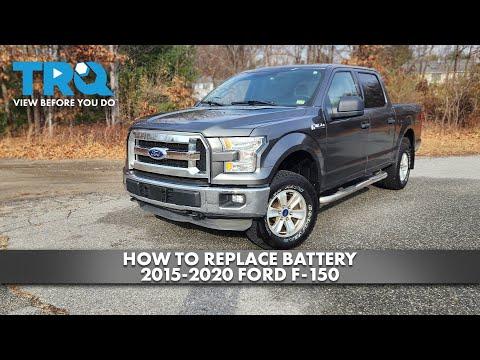


How to Replace the Battery on a 2015 Ford F-150 – Step-by-Step Guide
Detailed DIY instructions for 2015 F-150 battery removal, installation, tools, safety tips, and torque specs for 2015, 2016, 2017, 2018, 2019, 2020, 2021, 2022, 2023, 2024, 2025
How to Replace the Battery on a 2015 Ford F-150 – Step-by-Step Guide
Detailed DIY instructions for 2015 F-150 battery removal, installation, tools, safety tips, and torque specs for 2015, 2016, 2017, 2018, 2019, 2020, 2021, 2022, 2023, 2024, 2025


F-150 - Battery Replacement 🔋
Got it—you want to change the main truck battery on your F-150. I’ll walk you through it step by step.
Safety First ⚠️
- 🛑 Engine off, key out, lights off, doors closed.
- 🧤 Wear gloves and safety glasses; batteries can leak acid.
- 🔥 Keep metal tools away from both battery posts at the same time to avoid sparks.
Tools & Parts You’ll Need 🧰
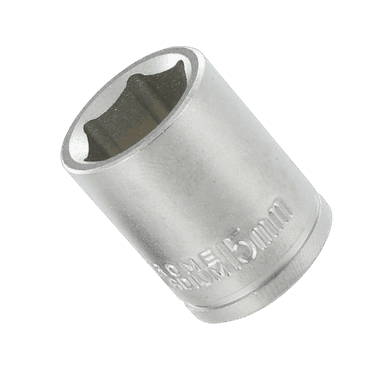
- 🔧 10 mm socket (battery terminals and hold-down clamp)
- 🔧 8 mm socket (sometimes used on terminal clamps; check yours)
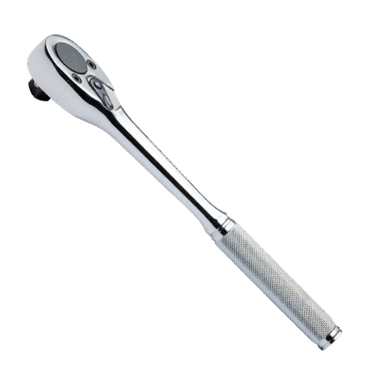
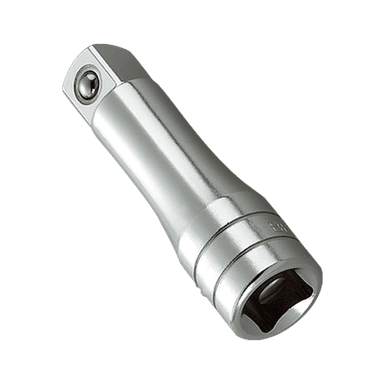
- 🔧 Ratchet and short extension
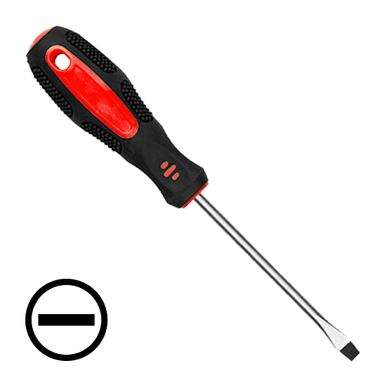
- 🔧 Flat screwdriver or trim tool (to lift covers, if fitted)
- 📏 Memory saver (optional) – a small device that plugs into the OBD port or a power outlet to keep radio/seat settings. Not required, but nice to have.
- 🔋 Correct replacement battery:
- Group size typically 94R (H7) for your F-150 Platinum
- Top post, 12V, with similar or higher CCA (cold cranking amps) than original
- 🧽 Battery terminal brush or small wire brush (to clean clamps)
- 🧴 Battery terminal protectant spray or a light coat of grease (to reduce corrosion)
Battery Location 📍
- 🔋 The main battery is in the engine bay, right side (passenger side), near the firewall, under a plastic cover.
Step 1 – Prepare the Truck 🧯
- 🛑 Park on level ground, set the parking brake, shift to PARK.
- 🔑 Turn ignition off, remove the key (or make sure the push-button is fully off).
- 🧊 Let the engine bay cool if you just drove.
- 🧰 If you have a memory saver, plug it into the OBD port under the dash and connect it to a small 12V source now.
Step 2 – Remove Battery Cover 🪛
- 📦 Open the hood and support it with the hood prop rod.
- 📏 On the passenger side, find the battery and its plastic top/side cover.
- 🪛 Use your hands or a flat screwdriver to release any clips and lift off the cover.
Step 3 – Disconnect the Cables (Negative First) ➖➕
Always remove negative (–) first and install it last. This reduces the chance of short circuits.
- ➖ Locate the negative terminal (usually black, marked “–”).
- 🔧 Use a 10 mm socket to loosen the clamp bolt on the negative terminal.
- 🖐️ Wiggle and lift the clamp off the battery post. Do not pry hard on the post itself.
- 📴 Move the negative cable aside so it cannot spring back onto the terminal (tuck it to the side).
- ➕ Now locate the positive terminal (usually red, marked “+”).
- 🔧 Loosen the 10 mm clamp bolt on the positive terminal.
- 🖐️ Lift the positive clamp off and move it aside. Be careful not to touch any metal body parts with the clamp.
Step 4 – Remove the Hold-Down Clamp 🧱
The hold-down clamp is a bracket that keeps the battery from moving.
- 🔍 Look at the base of the battery, usually on the engine side of the battery tray.
- 🔧 Use a 10 mm socket and extension to remove the hold-down bolt.
- 🧱 Lift out the hold-down bracket and set it aside.
Step 5 – Lift Out the Old Battery 💪
- ⚖️ Batteries are heavy (20–30 kg). Lift with your legs, not your back.
- 🖐️ Grab the battery by the built-in handle (if it has one) or from the sides.
- 📦 Lift it straight up and out of the tray. Be careful not to hit nearby wiring or hoses.
Step 6 – Clean the Battery Tray & Terminals 🧽
- 🧹 Brush out any dirt or debris from the battery tray.
- 🧽 Use a terminal brush or small wire brush to clean the inside of both cable clamps until shiny metal is visible.
- 🧴 If there is heavy corrosion (white/green powder), you can use a mix of baking soda and water on a rag to neutralize it, then dry thoroughly.
Step 7 – Install the New Battery 🆕
- 📐 Make sure the new battery’s positive and negative posts are in the same positions as the old one.
- 📦 Carefully lower the new battery into the tray, same orientation as original.
- 📏 Ensure it sits flat and fully down in the tray.
- 🧱 Reinstall the hold-down bracket and start the bolt by hand.
- 🔧 Tighten the hold-down bolt snugly (Ford spec is about 7–9 N·m / 62–80 in-lb – just firm, not crazy tight).
Step 8 – Reconnect the Cables (Positive First) 🔁
Reverse of removal: positive on first, negative last.
- ➕ Place the positive (+) clamp fully down on the positive post.
- 🔧 Tighten the 10 mm clamp bolt until the clamp does not move when you twist it by hand. Do not over-tighten.
- ➖ Place the negative (–) clamp on the negative post.
- 🔧 Tighten the 10 mm clamp bolt until snug and the clamp does not move.
- 🧴 Lightly spray terminal protectant or apply a thin coat of grease on the terminals and clamps to reduce future corrosion.
Step 9 – Refit Covers & Final Checks ✅
- 📦 Reinstall any plastic battery cover and make sure all clips are engaged.
- 🔌 If you used a memory saver, disconnect it now.
- 🔑 Get in the truck and turn the ignition to ON, then start the engine.
- 📻 Check:
- Radio and clock settings
- Power windows (you may need to re-initialize one-touch up/down: run each window fully down, then fully up and hold the switch up for 2–3 seconds)
- Power seats and mirrors memory (re-save positions if needed)
- ⚠️ Make sure no warning lights stay on that weren’t there before (battery/charging light, etc.).
Does This Truck Need Battery “Registration”? 🧠
- 🧾 Your 2015 F-150 does not require battery coding or registration like some European cars. Once installed correctly, you’re done.
Quick Torque Summary 🔩
- 🔧 Battery terminal clamp bolts: about 7–9 N·m (62–80 in-lb) – firm, not excessive.
- 🔧 Battery hold-down bolt: about 7–9 N·m (62–80 in-lb) as well.
If you tell me the exact battery brand and group size you’re considering, I can confirm it’s correct for your F-150 and suggest the best choice for your climate.
HowToo makes it easy: below this answer you’ll see recommended batteries, terminal brushes, and basic tool kits you can add to your cart with same-day/2-day shipping.